
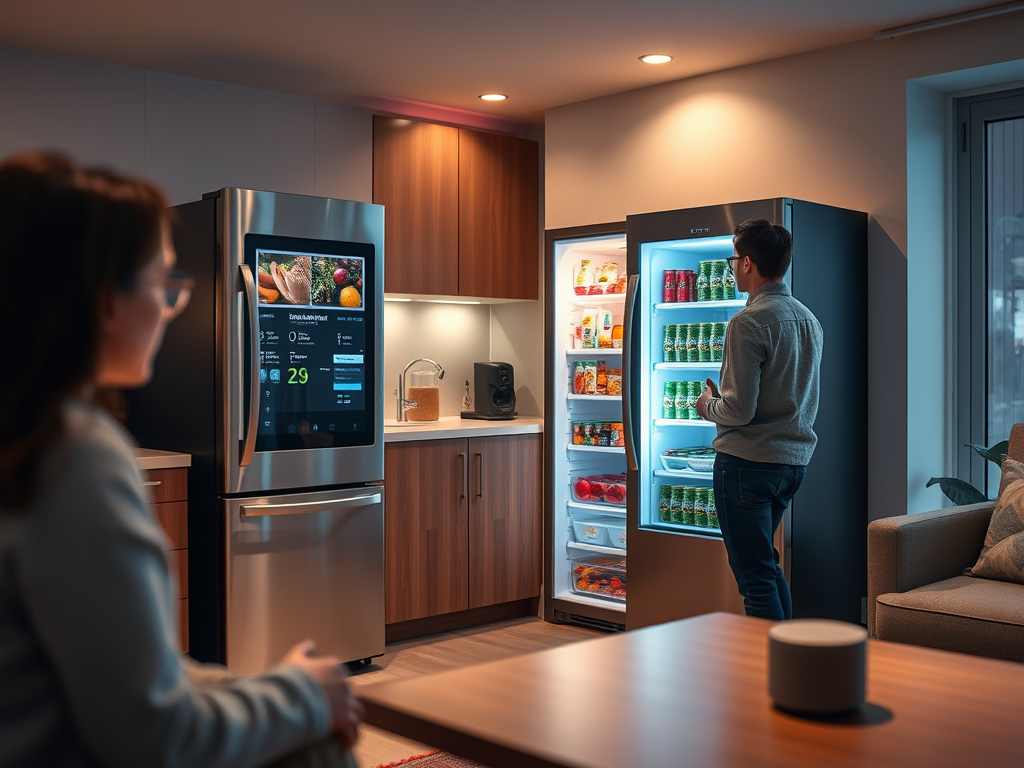
How AI is shaping new ways users interact with products
Your Next User Might Not Click. They Might Just Speak.
We’ve spent decades refining clicks, taps, and scrolls. But AI is opening a new chapter:
voice-first and multimodal interactions that break the screen barrier.
Think about this:
- You say, “Order my regular groceries.”
- The app confirms visually on your fridge screen.
- A quick voice nudge asks if you want same-day delivery.
No clicks. No typing. Just fluid, natural interaction.
What’s Driving This Shift?
The move from GUI (Graphical User Interfaces) to CUI (Conversational UI) and multimodal UX isn’t just a trend. It’s the result of:
- Voice Assistant Adoption — Alexa, Siri, Google Assistant normalized talking to machines.
- AI Models Going Multimodal — Tools like ChatGPT, Gemini, and Claude now process text, speech, and images together.
- User Demand for Frictionless Interaction — Convenience beats complexity every time.
Why This Matters for Product Managers
When interfaces move beyond the screen, product complexity skyrockets:
- New design rules: Your flows now have tone, pacing, and contextual prompts.
- Testing is harder: It’s not just about usability — it’s about comprehension and confidence.
- Privacy concerns multiply: Voice means data sensitivity at a whole new level.
The big question:
How do you define a “great user experience” when the UI isn’t visible?
The Role of AI in Voice + Multimodal UX
Natural Language Understanding (NLU)
AI makes conversations feel human by interpreting intent, not just commands.
Context Retention Across Modes
Example: You start with voice on mobile → continue visually on desktop → get a quick summary via audio.
AI bridges these jumps so users don’t feel lost.
Adaptive Visual Layer
Voice + visual = trust and clarity.
AI can pair spoken actions with dynamic screens for confirmation and next steps.
PM Implications: What Changes for You?
1. Product Definition
What’s the primary interaction mode? Voice-first? Screen-first? Or hybrid?
PMs now define orchestration strategies, not just features.
2. User Research
Understand when users prefer voice vs text vs gestures — and why.
Example: Voice for quick tasks, screen for decisions requiring visual context.
3. New Success Metrics
- Accuracy of voice recognition
- Task completion confidence (Did the user feel understood?)
- Drop-off points during context switching
4. Edge Case Handling
- Noisy environments
- Accents and dialects
- Privacy expectations when voice devices are always listening
A Real-World Example
Voice + Retail: Amazon’s Next Play
Imagine saying:
“Alexa, reorder my last three items.”
Your Echo Show displays them instantly.
You confirm with a nod (gesture recognition).
Payment happens via voice confirmation.
The entire transaction? Voice + visual + micro-gestures.
AI stitches these modes together so the experience feels like a natural conversation, not a clunky handoff.
What AI Can’t Do (Yet)
As seamless as this sounds, AI still has blind spots:
- Emotional Intelligence
It can’t fully detect sarcasm, hesitation, or subtle cues in speech. - Context in Ambiguity
“Book a table for four” → Is it for dinner or conference? PMs need guardrails. - Ethics & Privacy
AI won’t decide how to handle always-on listening — humans must.
Final Thoughts
Voice and multimodal UX won’t replace screens. They’ll augment them.
PMs must stop thinking in single-channel experiences and start designing ecosystems of interaction.
Your mantra?
✔ Build beyond clicks
✔ Design for continuity across modes
✔ Measure user confidence, not just conversion
The frontier isn’t visual design.
It’s orchestration of voice, visuals, and intent — powered by AI.Further Reading
Thanks for reading 🙏
Adapt with AI. Design with empathy. Lead with intent.
The best interfaces aren’t built — they evolve.
“This post is part of the AI for PMs Series — a curated journey into signal-led thinking, strategy, and AI’s role in modern product management. Explore all posts here”
Leave a Reply